AnyDesk
Low-latency remote desktop built around the DeskRT codec.
paid · trial desktop download
What it is
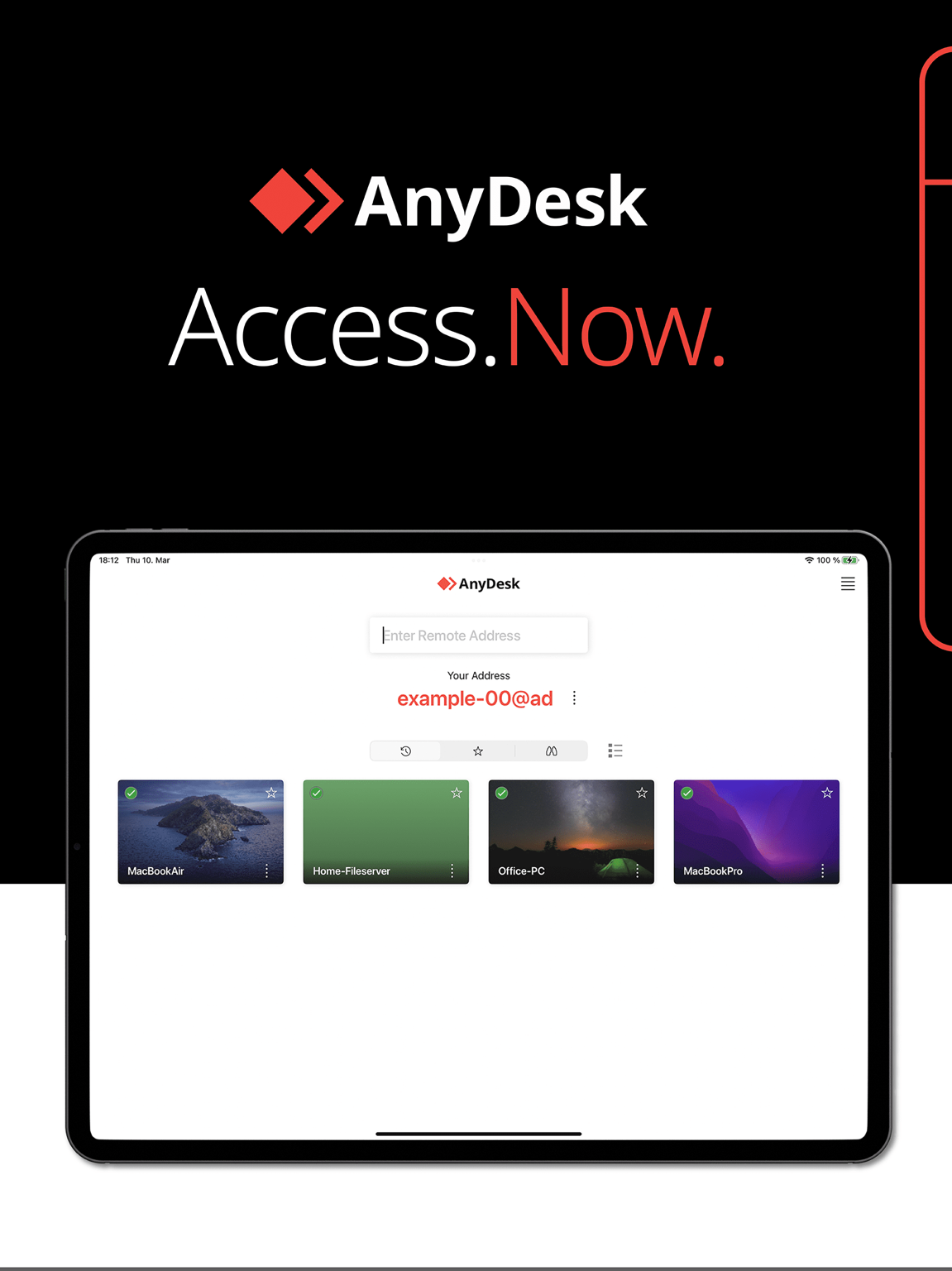
AnyDesk is a proprietary remote-access tool known for low latency thanks to its DeskRT codec. Administrators get fast access to PCs and servers (attended or unattended), file transfer, an address book, access control lists and a customisable client.
Problems it solves
- Remote sessions feel laggy on constrained links and you need a responsive codec.
- You want a branded support client handed to end users.
- Access needs to be scoped with an ACL rather than a shared password.
How administrators use it
- Build a custom client with your namespace and permission defaults for the support team.
- Enable unattended access on servers with an access-control list.
- Keep a shared address book so technicians reach the right machines.
Strengths & trade-offs
Strengths
- Very responsive even on slow links.
- Custom client and address book.
- Wide platform support including BSD and Pi.
Trade-offs
- Proprietary and cloud-brokered by default.
- Advanced features gated behind higher tiers.
Questions
Is AnyDesk free for commercial use?
The free tier is for personal use; business use requires a paid licence.
Why is AnyDesk often faster than alternatives?
Its DeskRT codec is tuned for low latency, so sessions stay responsive on constrained links.
Head to head
Alternatives
TeamViewer
Established remote access, control and support delivered as a managed cloud service.
paid · trial desktop download
RustDesk Open-source remote desktop you can host entirely on your own infrastructure.
open source desktop download
Splashtop Remote access and support focused on high-performance, high-resolution sessions.
paid · trial desktop download